Business Planner Bundle
300 A4 pages: goals, projects, clients, orders, money and marketing — editable in the PDF.
$4 — instant download
Checkout by Whop • Instant download • Personal use
What's included
- A Business at a Glance snapshot, plus SWOT, ideal customer, competitor snapshots and a pricing overview
- Yearly, quarterly and monthly goal planners, quarterly reviews and a year-in-review
- 12 undated month calendars with monthly focus pages, 16 weekly planners and 16 daily workday pages
- Six two-page project briefs with milestone tables, plus project task lists and timeline pages
- Meeting notes, a client tracker, a contacts directory and an email & call log
- A sales pipeline, order trackers, income and expense logs and a monthly money summary
- Marketing pages: content calendars, post planners, campaign planners and a stats tracker
- 7,859 type-in fields — run the whole business inside the PDF
- Prefer tweaking in Canva? Adjust the goal planners, project briefs, client tracker and content calendars there — a free Canva account works.
Who this is for
Small business owners, freelancers and online sellers who want goals, projects, clients, orders and marketing planned in one undated binder.
Details
- Format: PDF download
- Pages: 300 pages (plus an Edit-in-Canva link page inside the file)
- Paper: A4 and US Letter
- Editing: 7,859 type-in fields — run the whole business inside the PDF, plus a fully editable Canva version linked inside the file
- Delivery: Instant, by Whop
- Licence: Personal use — extra copies of Business Planner Bundle for your own household, class or party are fine
How you'll use it
This 300-page A4 bundle is a business binder for owners who run the company from paper as well as from a screen. It starts with orientation: a Business at a Glance snapshot, SWOT, ideal customer, competitor snapshots and a pricing overview. Planning runs yearly, quarterly and monthly — goal planners, quarterly reviews and a year-in-review — down into 12 undated month calendars with monthly focus pages, 16 weekly planners and 16 daily workday pages, with six two-page project briefs, milestone tables, task lists and timelines for the work itself.
The operating sections are where it earns its place: meeting notes, a client tracker, a contacts directory and an email and call log — a sales pipeline, order trackers, income and expense logs and a monthly money summary; and content calendars, post planners, campaign planners and a stats tracker for marketing. With 7,859 type-in fields, the whole business can be run inside the PDF — type on screen, print the pages a meeting or a workday needs. It is undated throughout, and the Canva link inside the file opens a fully editable version. At $4, it is the evergreen counterpart to our household Budget & Finance Planner.
How to use it
- Check out on Whop.
- Download the Business Planner Bundle PDF — it stays in your Whop library.
- Type into Business Planner Bundle's fields, or use the Canva link inside for full editing, then print.
Digital download only — checkout and instant delivery by Whop; no physical item is shipped with Business Planner Bundle. Rules are on our Terms of Use page; questions welcome via the contact page.
Business Planner Bundle — $4
300 A4 pages: goals, projects, clients, orders, money and marketing — editable in the PDF.
Buy — $4 →Checkout by Whop • Instant download • Personal use
Share this pack
Frequently asked questions
How do I get the file?
Checkout is on Whop. After payment, Business Planner Bundle is ready at once — its 300-page PDF downloads straight away — run the whole business inside the PDF — and stays in your Whop library, so nothing is posted to you.
What do I need to print it?
A home printer and A4 or US Letter paper. Do not print all 300 pages — print by section as you adopt it (goals and calendars first, trackers as you need them), or run the binder on screen using the 7,859 type-in fields and print single pages for meetings. Colour looks best; greyscale works too.
Can I type into the PDF?
Yes. This pack has 7859 type-in fields (run the whole business inside the PDF) — open it in any free PDF reader or browser, fill them in, then print. Canva lets you tailor it further: relabel the sales pipeline and order trackers, reshape the project briefs, and rebuild the content calendars around how your business actually runs.
Can I print more than one copy?
For your business, yes — reprint weekly planners, meeting notes and project briefs as often as your work needs them. Don't share or resell the file itself; send friends to MerryHub for their own copy.
You may also like

Complete Christmas Bundle — $7
★ Featured bundle — 68 pages: games, elf kit, Advent cards, cards, gift tags and Santa letters.
See what's inside →
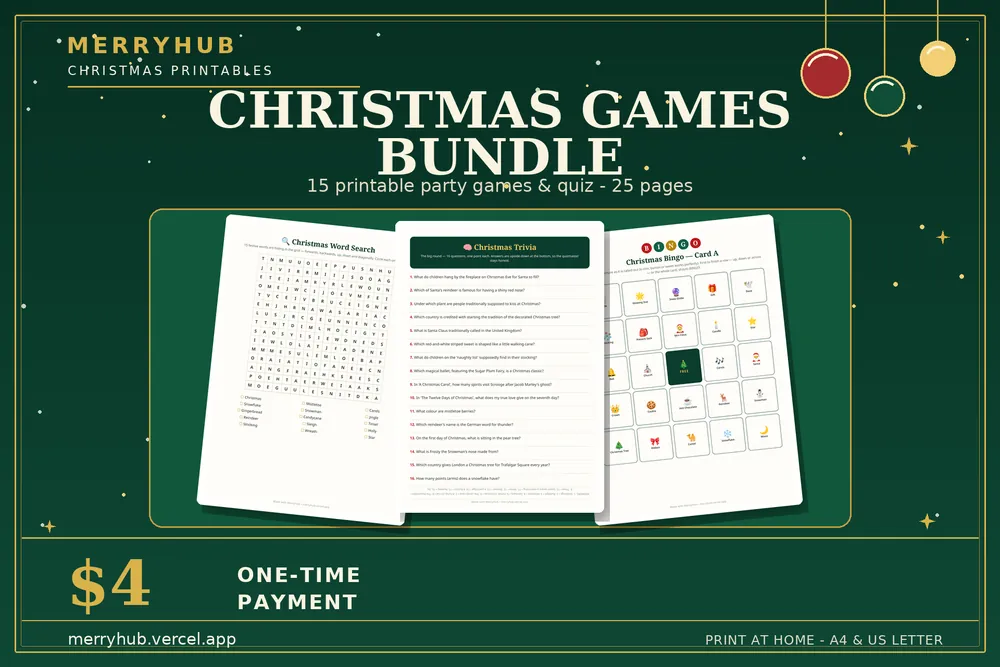
Christmas Games Bundle — $4
15 printable party games and a quiz, 25 pages in total.
See what's inside →
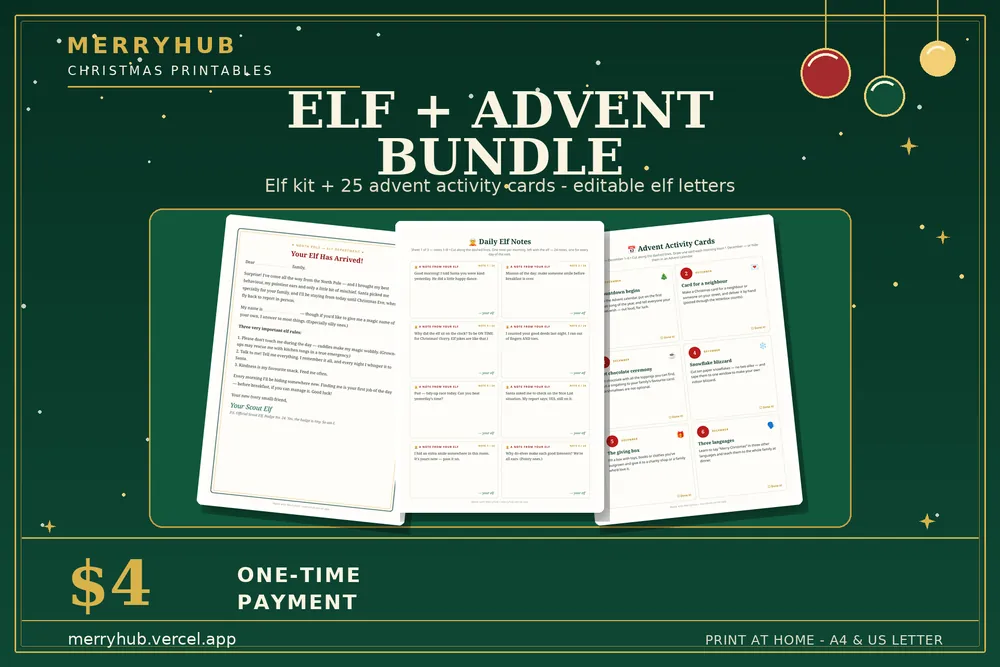
Elf on the Shelf Kit + Advent Bundle — $4
The full elf kit plus 25 Advent activity cards.
See what's inside →